

Electronic transmission of tax statements is now the norm among individuals and accounting companies. Electronic filing is much faster in the preparation of tax returns, enables one to work remotely, and reduces paperwork.
Nevertheless, the question that many taxpayers will have is quite justified: how safe is it to send tax files via email, and how can they guarantee that their information is not stolen?
This resource provides information on the main risks associated with the digital exchange of tax data and discusses safe methods of transmitting documents, and gives useful hints on how to send tax documents securely to protect files with Social Security numbers, bank details, and other confidential information.
Which Tax Documents Require Special Protection
Other documents that must not be sent without encryption include:
- W-9, W-2, 1099, and any forms with an SSN
- Bank account statements
- Signatory declarations
- Medical payment or income records
- Statements of tax deductions with personal information
If you fill out forms online, you should use secure tools. To give an example, in the process of completing a fillable W-9 form, it is advisable to use a dependable online PDF editor, in this case, PDF Guru, as it will allow working safely with the document and securing it prior to its transfer.
Why Transmitting Tax Forms Is a High-Risk Area
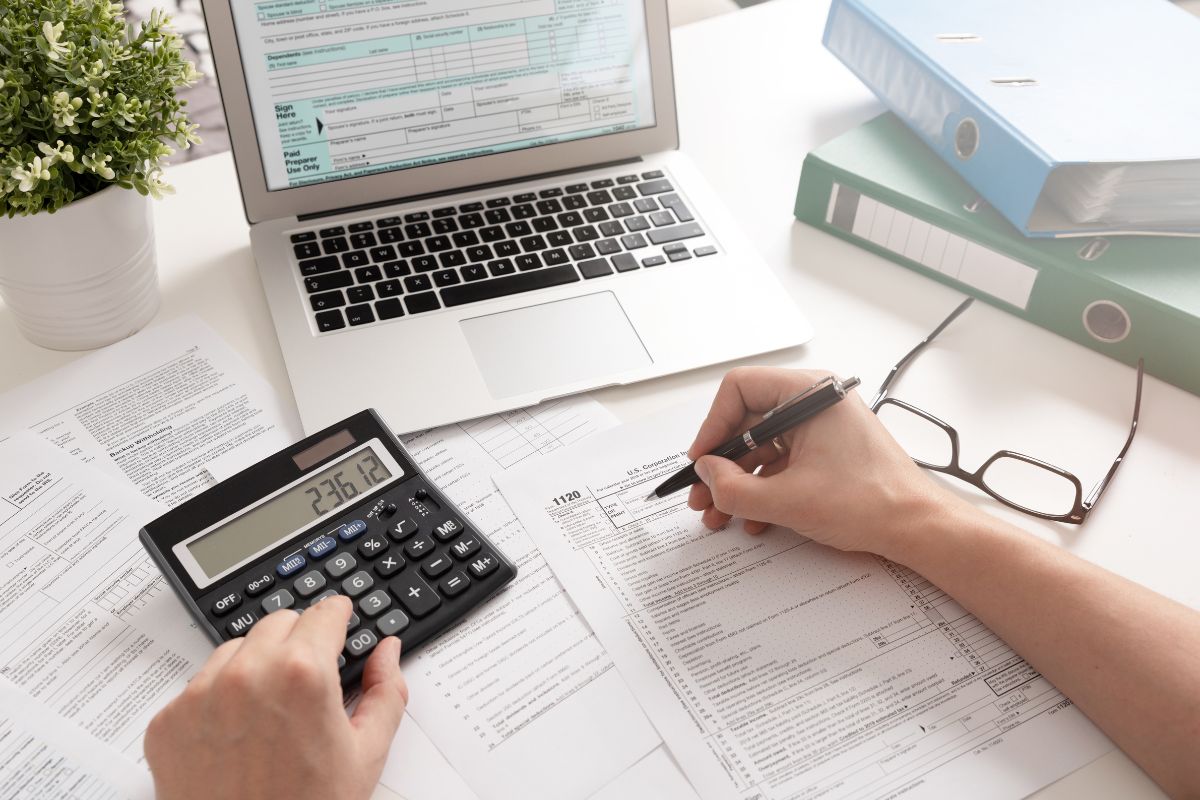
There are main questions: is it safe to email tax documents? Tax documents contain almost all the information criminals need to steal your identity.
There are very serious implications should such a file fall into the wrong hands; the impact can be as severe as opening lines of credit or carrying out a fraudulent tax return under your name.
The primary weaknesses of transmitting tax filing forms are:
- Insecurity of file transfer due to the lack of encryption
- The risk of information being lost during interception by Wi-Fi hackers or a man-in-the-middle attack
- User error: send mail to an incorrect recipient
- Keeping the papers in an unsecured mailbox
- Phishing attacks in the form of accounting clots or IRS
That is why the process of sending tax documents via email should be mindful and backed by improved security practices.
Is It Possible to Securely Send Tax Documents by Email?
Is it safe to send tax documents via email? Traditional email is inherently unsafe because:
- It doesn’t use end-to-end encryption
- It’s susceptible to interception
- It can be hacked through phishing or a weak password
- It stores messages and attachments for years
For this reason, most tax firms, accountants, and financial advisors do not recommend sending tax forms by email in clear text. However, there are significantly more secure ways to do this. You’ll learn about them below.
Best Ways to Securely Send Tax Documents
Below are the methods officially recommended by CPA firms, tax advisors, and cybersecurity specialists. To make sending tax documents by email safe, you can use some valuable and effective solutions.
Secure Client Portals
Many tax firms use dedicated client accounts with two-factor authentication and encryption. This is the most secure and preferred option.
Encrypted PDF Files
In case the transmission of the document is impossible without emailing, then it is necessary to encrypt it with a password:
- Use 256-bit encryption
- Send the password via a separate channel (e.g., SMS)
- Avoid weak passwords like 1234
The current PDF software, such as PDF Gur,u will enable you to add a password fast and limit file access.
Secure Download Links
Certain cloud storage platforms (OneDrive, Google Drive, Dropbox) can be password-protected, have a time limit on a link, and disallow downloading.
Certain instant messaging apps with end-to-end encryption can also be used to exchange such sensitive data. The most significant thing is that the app should possess special E2EE encryption.
However, this approach carries risks, as files may still be stored in backups. Thus, this approach is suggested as temporary.
The other approach is quite conservative, although it can be quite safe. It is to bring the data physically, through a flash disk. Sadly, the user is not always able to do this physically.
Guidelines on Tax Document Preparation
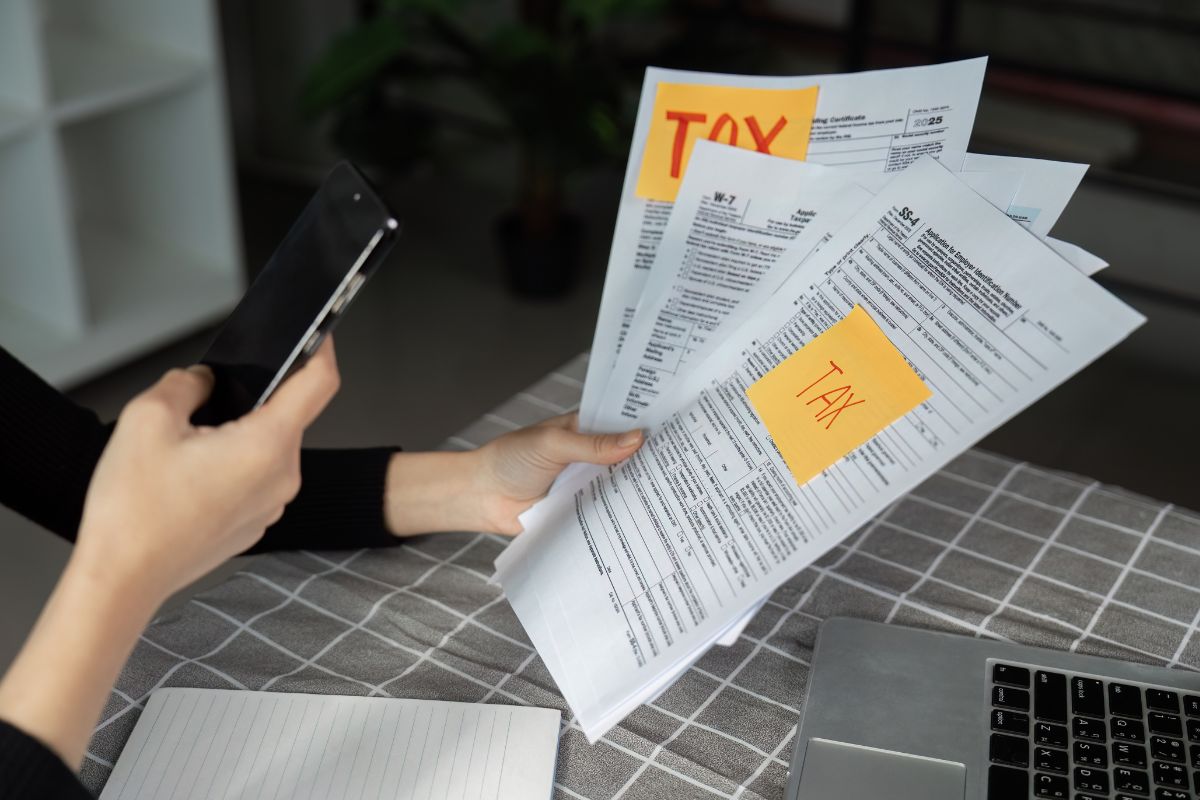
Whatever you do before transmitting completed tax documents online, make sure that you verify your activities as per the recommendations.
- Ensure that your antivirus software is up to date on your machine.
- Turn off automatic saving of attachments in e-mail.
- Rename the file so that it does not include your last name or the form number.
- Complete PDFs using reliable websites.
- Before sending documents, compress them to minimize the chances of corruption of files. Do not transfer a file through a Wi-Fi network one has no familiarity.
This will assist you in making the process of sending as safe and secure as possible.
How to Tell if Your Email Is Poorly Secure
There are various ways of knowing whether your email is poorly secured.
You are not advised to transmit tax documents where the email address discloses any of the following indications of vulnerability:
- Your password is more than two years old
- No two-factor authentication
- Your name is associated with dozens of out-of-date sites
- You receive a lot of phishing messages
- You have been a victim of prior data leaks
In case any of them is true, then you should not send tax documents through your email.
Final Thoughts
Email is not a safe way of transmitting tax documents. Nevertheless, with proper precautions (encryption, secure portals, strong passwords, and MFA), this threat can be minimized.
Never forget to evaluate the sensitivity of the document and select the safest means of sending a document. It is important to remember: keeping your tax information safe guarantees your identity, money, and future.
