
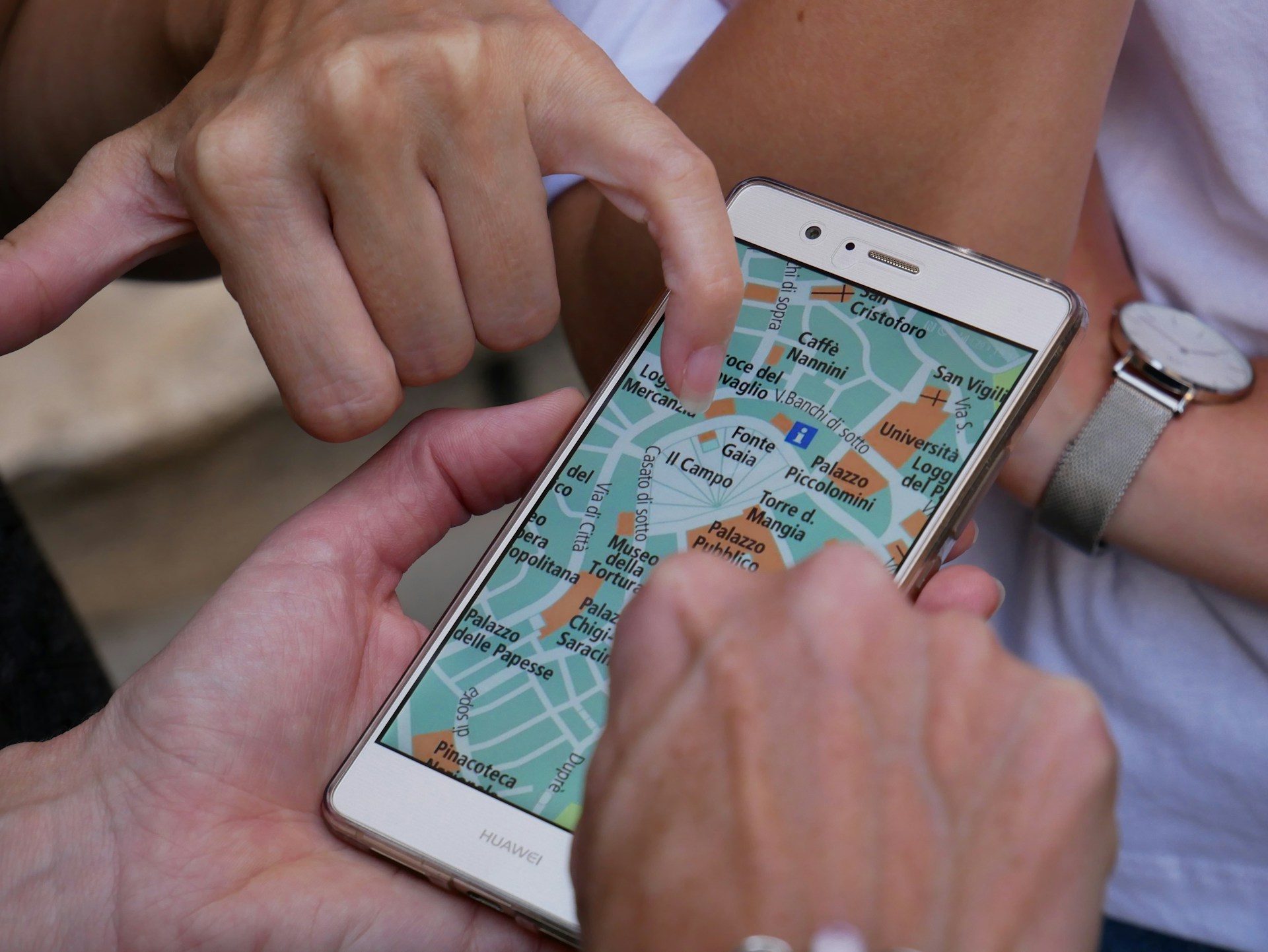
As soon as you land from your plane, you start looking for WiFi spots in the airport lobby and notice that a flashing banner claims that you have won a free hotel stay.
A minute passes, and a pop-up informs you about changes in your flight schedule and encourages you to confirm the booking details immediately. As usual, you will not give them a second chance, deleting these banners instantly.
However, it seems that in rare cases, some of them could be dangerous for travelers. Indeed, when traveling, some pop-ups, advertisements, and banners can rob you, drain your phone’s battery, and even steal personal information and sell it.
Let’s dive into why internet advertisements deserve more attention from travelers.
Travel Puts You on Networks You Cannot Trust
In a usual setting, at home, you use your router regularly. You know who organized this wireless network and who else can use it at the same time. While traveling, you will have to use public WiFi at different locations in just one week.
You will get connected to an airport hotspot, a hotel network, and a few different cafes and even unknown to you connections in rented apartments. Unfortunately, these connections are used by scammers to display their ads, including potentially harmful pop-ups, which you may click.
There is an aspect called malvertising, malicious advertisement, that you need to worry about. These are ads purchased through the same system as legal ads. The difference is that they include harmful scripts, which may harm the users.
Not only is it necessary to interact with the website; in case you are connected to a vulnerable network, you may become a victim to scams. Why is this particularly relevant while traveling?
First of all, it is distracting, and your concentration and mental performance tend to decrease when tired and in rush. Second, you are using devices not on your regular secure network.

Another point connected to public WiFi is related to the encryption level of connections. The more protected they are, the fewer chances that others on the network can read your information.
The problem is that on such unsecured networks, there are ad and tracker calls made in the background, and while checking restaurants, for example, your private information may get out. In addition, there is no denying that ads are one of the key factors that increase the flow of traffic.
Pop-Ups That Are Designed to Scare You
While a typical advertisement is intended for catching someone’s eye and attention, pop-ups aim to instill panic. Travelers can easily fall for the scams because there are pop-ups that copy the design and look like something familiar.
For instance, a pop-up might say that booking was unsuccessful, and a traveler will need to enter credit card details to pay again. Or a pop-up may state that a gate number has changed, and a traveler needs to click on the link to proceed to the airline website.
There might be pop-ups that create panic, pretending to be system warnings about your phone containing a virus, and so on.
Such pop-ups can work perfectly because there is a psychological mechanism behind them – a traveler feels that everything is right since they are actually at an airport or in a hotel, waiting.
To avoid scams, one should use only official websites for logging in and booking flights. Do not ever enter your personal information or credit card data when receiving a message that looks like an advertisement.
Moreover, treat any pop-ups creating an atmosphere of panic as a scam and ignore them.
How Ads May Drain Your Phone
When you travel, the consumption of both your battery capacity and your internet is higher compared to the routine usage. Indeed, ads are using additional power of your phone’s processor.
Additionally, if you are not using Wi-Fi of your provider in the country you are visiting and bought a local SIM-card with a fixed amount of data, then loading every ad costs you extra money.
In other words, your resources are limited, and ads can deplete them easily.
This is how ads may consume the resources:
- Data expenses. Loading videos and playing ads automatically might eat up a considerable share of daily roaming allowances.
- Battery usage. Scripts embedded in ads run constantly in the background and may increase energy consumption significantly.
- Decreased speed of browsing due to the competition among various requests for connections.
How Ads Quietly Track Where You Go
There are more aspects associated with ads that can be of concern for travelers. First of all, besides obvious banners, there is a considerable amount of tracking done via hidden trackers in the background of the pages being opened or applications running on your device.
Such trackers are collecting data about websites visited by a user, as well as his or her location and search queries. This may seem not dangerous, however, it is highly recommended to delete trackers or block them completely.
In addition to this, a particular interest may be caused by the fact that a great amount of advertising relies on cookies and trackers and may affect price of travel services.
Indeed, booking websites change the offered price according to the history of visits, user behavior, etc. In order to find more reliable price for the services you are looking for, it is advisable to browse for the information using private browsers and check prices in different places.
You may also turn off trackers and cookies in your regular browser and find out how price changes in this case.
How to Block Ads and Scam Pop-Ups
Obviously, blocking each pop-up coming to the screen individually may be tiresome when dealing with dozens of them. Instead of doing this, it will be more useful to prevent loading these ads and pop-ups at all.
The most effective method for this will be turning off ads and trackers at the network level.
Blocking at network level is a process of filtering the requests that come to your screen. If the website is asking to load something that appears on the list of advertising, the content gets rejected immediately.
Such filtering is done at the network level, which means that it covers the entire phone and not just a browser. It becomes useful on a smartphone as the majority of applications on smartphones are loaded in the background.

This is also where a common question comes up. What is a VPN ad blocker? It is a feature included in some VPN apps that combines the privacy of an encrypted connection with this kind of network-level filtering.
The VPN protects your traffic on untrusted public WiFi, which is exactly the situation you face at airports and hotels, while the built in blocking strips out ads and trackers across your whole device. For a traveler, the appeal is practical.
You get fewer scam pop-ups, less wasted data, and a smaller trail of tracking, all from one setting you can switch on before you leave home.
Safe and Comfortable Internet for Travelers
When you are traveling, you will be connected to different Wi-Fi networks and might become a target of some malicious websites that aim to steal your personal data, drain your smartphone, or create panic.
Ads and pop-ups can cause you a lot of trouble, and for this reason, it is important to use your brain while surfing the net. However, a person may prepare for such situations before the trip and thus avoid any problems.
Make sure that you turned off cookies and trackers, and also use private browsers to avoid ads as much as possible.
Additionally, it will be useful to enable ad and tracker blockers for the entire Wi-Fi connection you are using. With a few simple precautions, you will not need to fear ads or pop-ups.
