

We’ve all been there: a few friends come over, everyone asks for the Wi‑Fi password, and suddenly your fast connection feels like it’s crawling. Videos buffer, pages take ages to load, and gaming becomes impossible.
Sharing your Wi‑Fi doesn’t have to mean sacrificing performance, though — with a few smart steps, you can keep everyone connected without frustrating slowdowns.
Before considering a new plan or exploring different internet providers, it’s worth learning how to manage the connection you already have.
A well‑organised network setup can handle multiple users far better than most people expect.
Understand What Slows Things Down
When several people are online at once, your network divides the available bandwidth among them.
That means a single person streaming in 4K or downloading a huge game update can make everyone else’s connection feel sluggish.
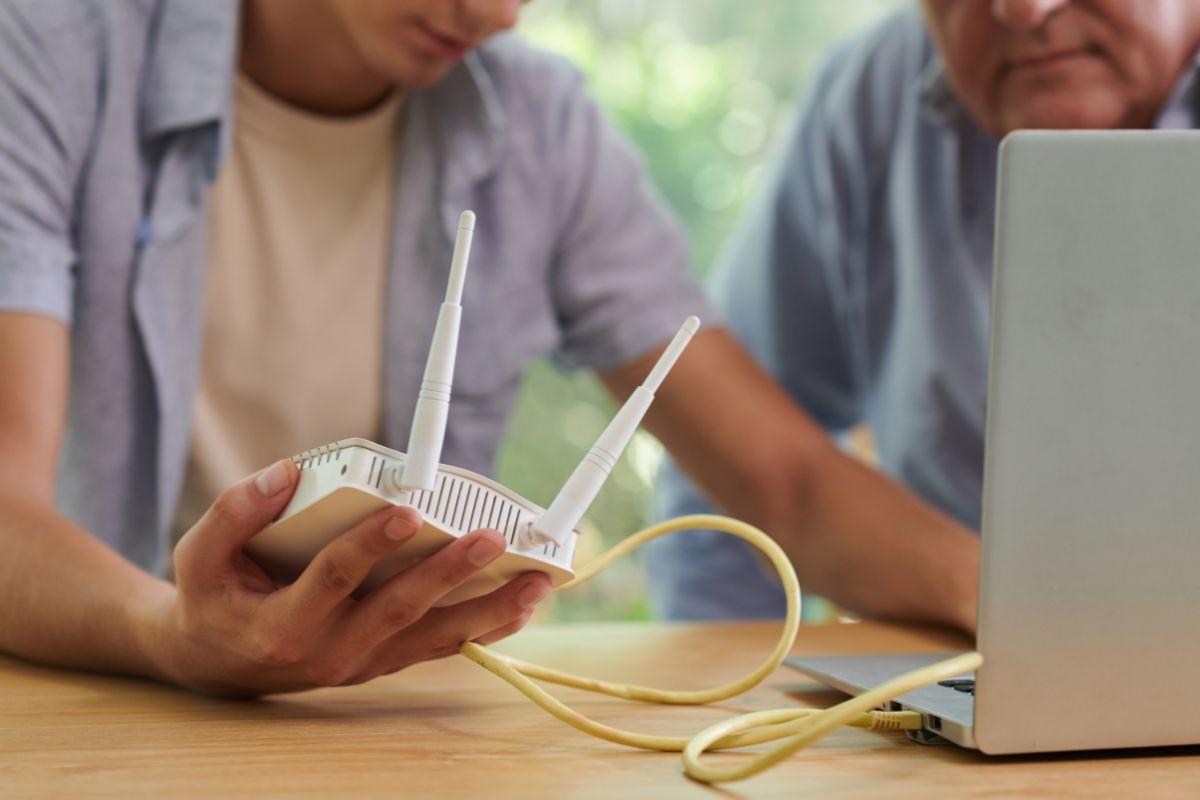
Add in hidden issues like outdated equipment or poor router placement, and things get worse.
The key is identifying the common culprits:
- Heavy streaming and downloads from multiple devices
- A router positioned in a poor location, such as behind furniture or in a far corner of the house
- Using older hardware that doesn’t handle modern traffic well
Once you know what’s causing strain, you can take simple steps to fix it.
Set Up a Guest Network
Most modern routers allow you to create a separate guest network. This keeps visitors from accessing your main network and lets you control their connection more easily.
- Limit their bandwidth: Some routers let you cap speeds on the guest network so it doesn’t impact your primary devices.
- Boost security: Guests can get online without having access to your main devices or files.
- Easier to manage: You can turn the guest network on or off without disrupting your own setup.
This is one of the easiest ways to balance convenience with performance.
Position Your Router for Maximum Coverage
A poorly placed router creates weak spots, forcing devices to fight for signal. To get the best out of your connection:
- Place the router in a central, elevated location.
- Keep it clear of obstructions like thick walls, mirrors, or metal appliances.
- Make sure it has proper ventilation and isn’t stuffed in a cupboard.
Better coverage means devices don’t need to work as hard to maintain a connection, which can help everyone’s speed.
Prioritise Important Devices
Many routers offer a feature called Quality of Service (QoS). It lets you prioritise certain devices or activities, such as video calls or online gaming.
- Assign higher priority to work laptops or streaming devices you use often.
- Lower the priority for guest devices or background downloads.
- Adjust settings easily through your router’s admin page or app.
With QoS, your essential tasks won’t be interrupted by someone else’s heavy usage.
Keep Your Hardware Updated
Even the best positioning and network management won’t help if your equipment is outdated.
- Update your router’s firmware regularly for better performance and security.
- Replace routers or modems that are more than five years old with models that support current Wi‑Fi standards.
- Check cables for damage or wear, as these can quietly cause speed issues.
Investing in updated equipment can make a noticeable difference in how your network handles multiple users.
Manage Usage During Peak Times
If you know there are certain times of day when your connection is under the most pressure—like evenings when everyone is home or mornings when people are working remotely—let your guests know ahead of time.
A gentle request to hold off on big software updates, game downloads, or cloud backups during these peak periods can make a noticeable difference for everyone using the network.
Even something as simple as choosing to stream in standard HD instead of 4K can free up a surprising amount of bandwidth without sacrificing too much in viewing quality.
It’s worth having a friendly chat about how to share the connection fairly—framing it as a way to make sure everyone gets what they need—so misunderstandings or frustrations don’t crop up later.
This small bit of planning goes a long way toward keeping the mood relaxed and the Wi‑Fi running smoothly.
A Few Tweaks Make Sharing Simple
You don’t have to avoid sharing your Wi‑Fi out of fear it will slow to a crawl.
By setting up a guest network, positioning your router well, prioritising critical devices, and keeping your hardware current, you can create a setup that easily supports multiple users.
A little planning ensures that everyone can browse, stream, and chat without constant interruptions — making your home network a stress‑free experience for everyone connected.
